

What a Lead Capture System Needs to Keep Leads from Getting Lost
A guide to designing a lead capture flow with an entry point, consent, destination, owner, statuses, follow-up, and basic measurement.
- Published
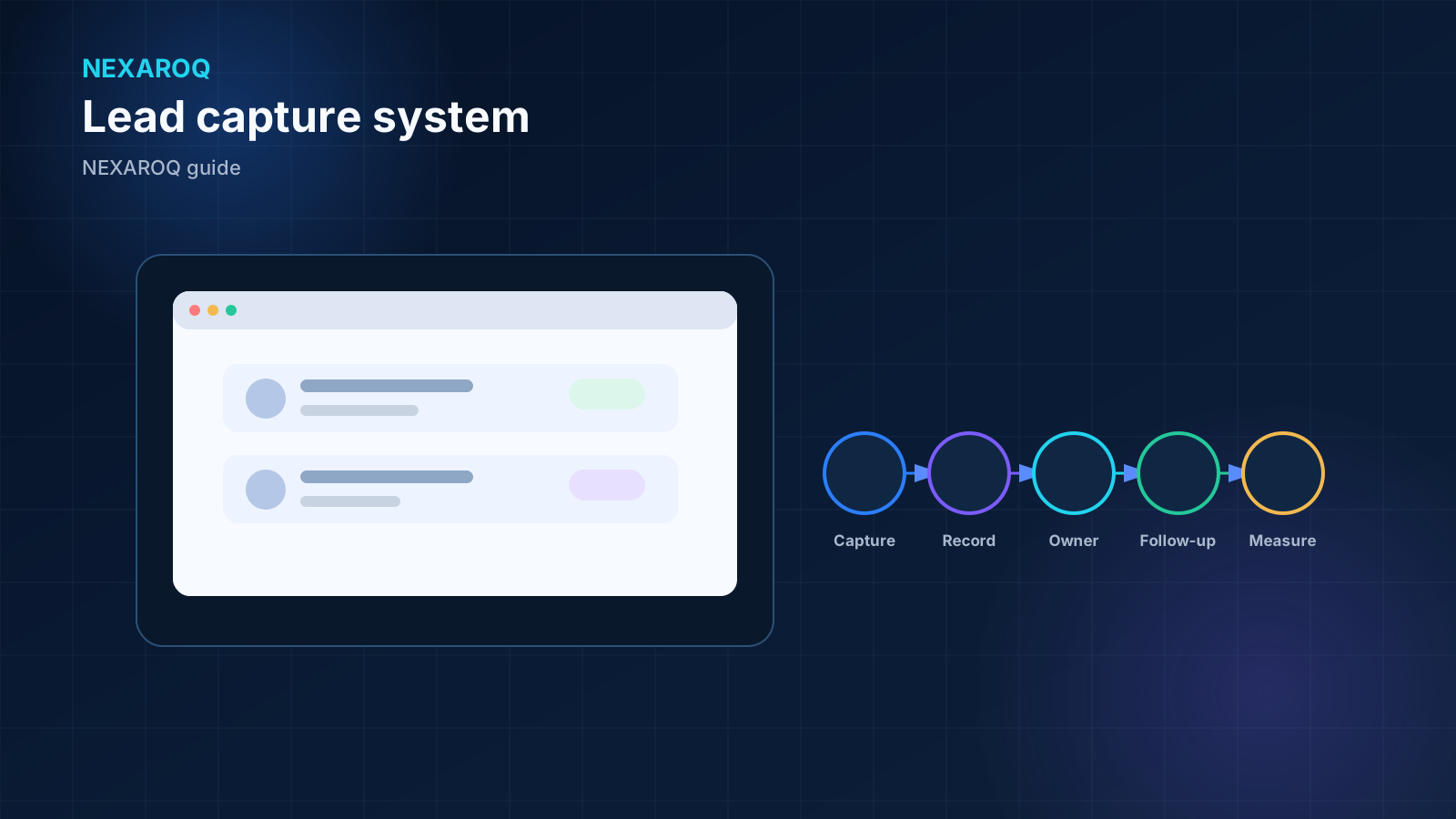
Lead capture is a workflow, not just a form
A form can record a request and still leave it unattended. The full system begins at the entry point, preserves context, delivers information to a defined destination, and assigns an owner to continue the work.
Looking at the entire journey reveals gaps between marketing, tools, and operations. Every channel change needs a visible rule: what is delivered, to whom, in which state, and how delivery is confirmed.
The entry point and minimum information
The entry point may be a landing page, service page, form, phone call, or link to a conversation. It should explain what happens after the request and ask only for information needed by the next step.
Fields depend on context. A name, contact method, and reason for reaching out may be enough for an initial conversation; other processes need a location, service type, or availability. Every extra field should have an operational purpose.
- Record the source page, campaign, or channel when that context matters.
- Validate essential formats before accepting the submission.
- Provide notice and collect consent when the data use or channel requires it.
- Show a clear confirmation so the person knows the submission is complete.
- Avoid requesting sensitive information when it is not needed to begin.
Destination, ownership, and status
Every lead needs an operational destination, not just a notification. It may be a CRM, pipeline, controlled inbox, or work queue, as long as the team has defined assignment and update rules.
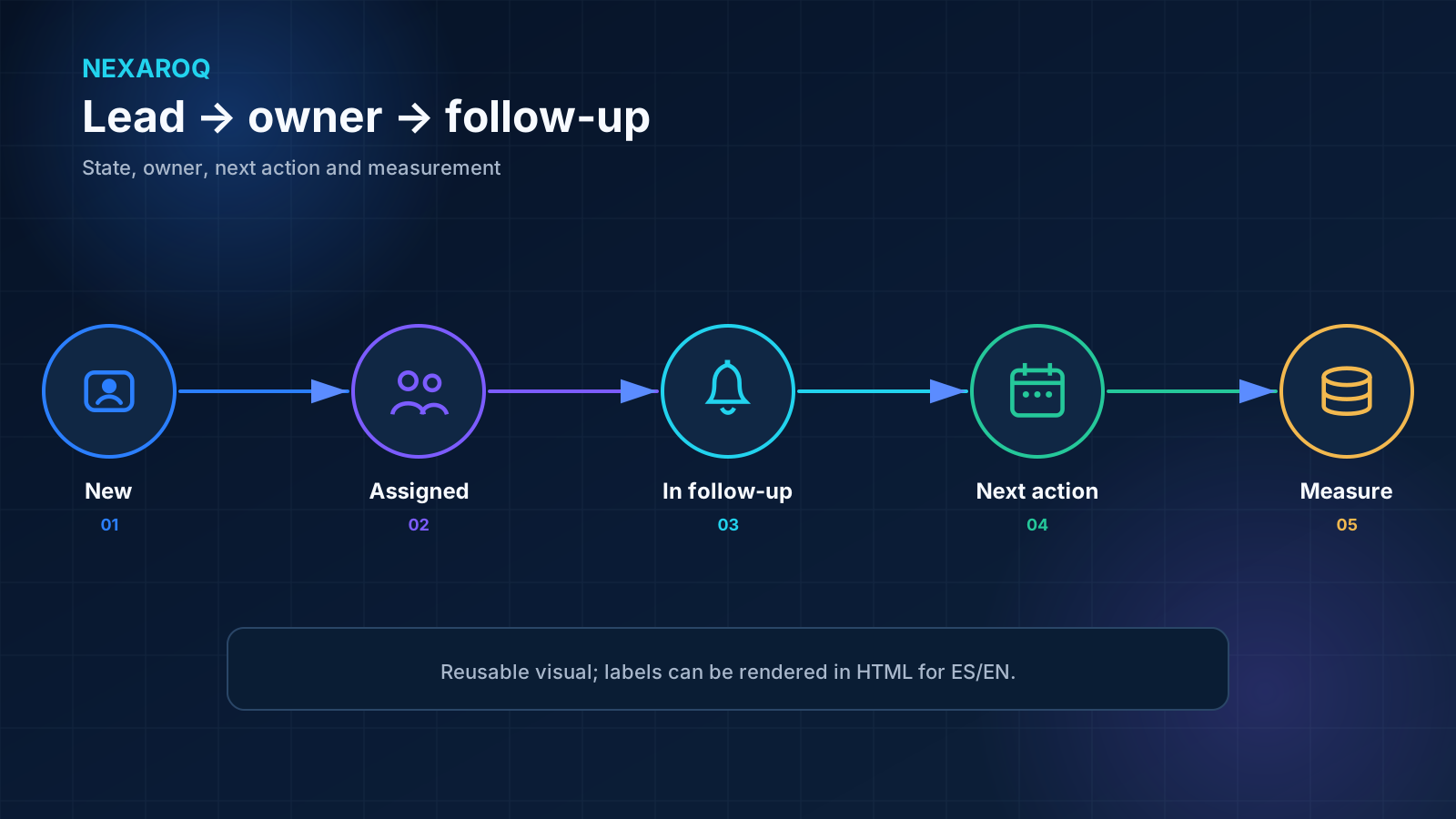
Ownership must be explicit. A shared inbox without a schedule, rule, or owner can hide requests even when delivery works. Clear statuses also help the team see whether a lead is new, under review, waiting for information, or closed.
Define one source for follow-up
If the same lead appears in several tools, the team must know where to find the current status. Without that decision, one person may update the CRM while another works from a spreadsheet or inbox with older information.
WhatsApp: a link or handoff is not an API
A WhatsApp link opens a conversation that the person chooses to start. A handoff may prepare a message or tell the team to continue in that channel. Neither option means that a WhatsApp Business API integration is in place.
The API requires configuration, a provider, permissions, templates, and capabilities that must be validated in the actual context. If the flow uses only a link or manual handoff, describe it that way to avoid creating the wrong technical expectation.
Follow-up and continuity
The system should identify the action that follows capture. It may be reviewing the request, asking for context, assigning a conversation, or scheduling a reminder. The essential point is that the next step has an owner and remains visible.
There also needs to be a route for incomplete submissions, duplicates, invalid data, and notification failures. These cases should not disappear silently; they need a review queue or an alert directed to someone who can act.
Closing the loop is part of the workflow
Closing statuses distinguish handled requests from pending ones. A close reason can be brief and operational, but it should let the team recover the context without reconstructing the entire history.
Basic measurement without confusing activity with outcomes
Initial measurement can confirm that the workflow operates: the form was started, submitted, delivered, assigned, and moved to another status. These events help locate interruptions; they do not establish a business outcome on their own.
Event names, source fields, and statuses should be consistent. If every tool uses a different label, reconstructing the journey or investigating why a request stopped will be difficult.
Example: requests arriving in an inbox with no owner
A company receives form submissions by email. Delivery works, but several people assume someone else will respond. Some requests are copied to a spreadsheet while others continue in chat, and their status stops being visible.
An initial improvement can define one destination, assignment rules, statuses, and a failure review. The team can then assess whether to connect the form to a CRM or keep a controlled handoff. The tool comes after responsibility is clear.
A checklist for lead continuity
Walk through these questions from the perspective of a real request. The workflow should be understandable to the people operating it and verifiable by the people maintaining it.
- What is the entry point, and what expectation does it set?
- What minimum information does the next owner need?
- When do consent or privacy notices apply?
- Which system, pipeline, or work queue receives the lead?
- Who receives the assignment, and who provides coverage?
- Which statuses clearly show where the request stands?
- How are invalid data, duplicates, or failed deliveries detected?
- What action follows, and where is it recorded?
- Which technical events help verify workflow continuity?
- Who maintains forms, access, rules, and destinations?